
How to Delete a Property
Quick Answer
You can delete a property from your property settings. This will permanently remove the property and its data.
Step-by-Step
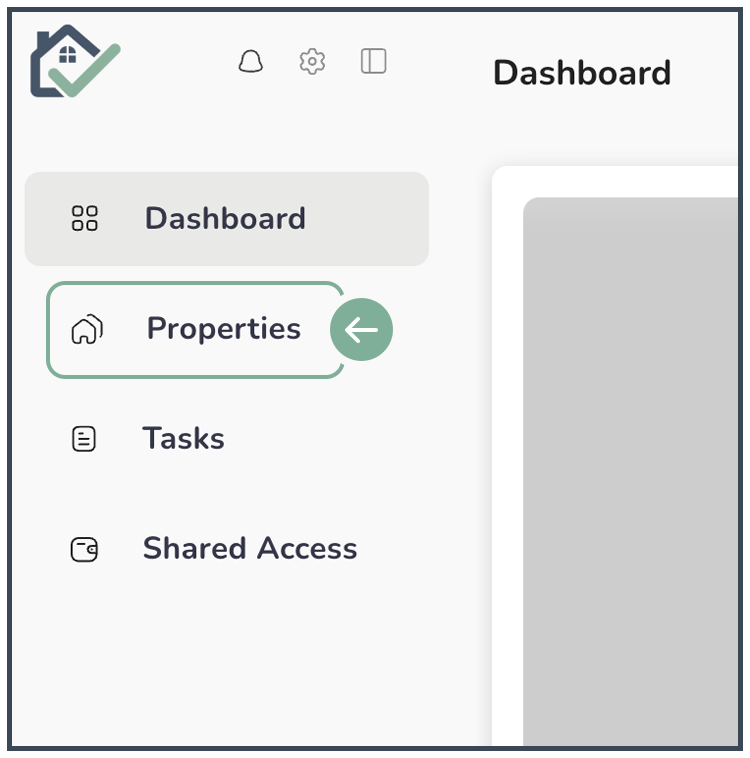
Go to Property Tab
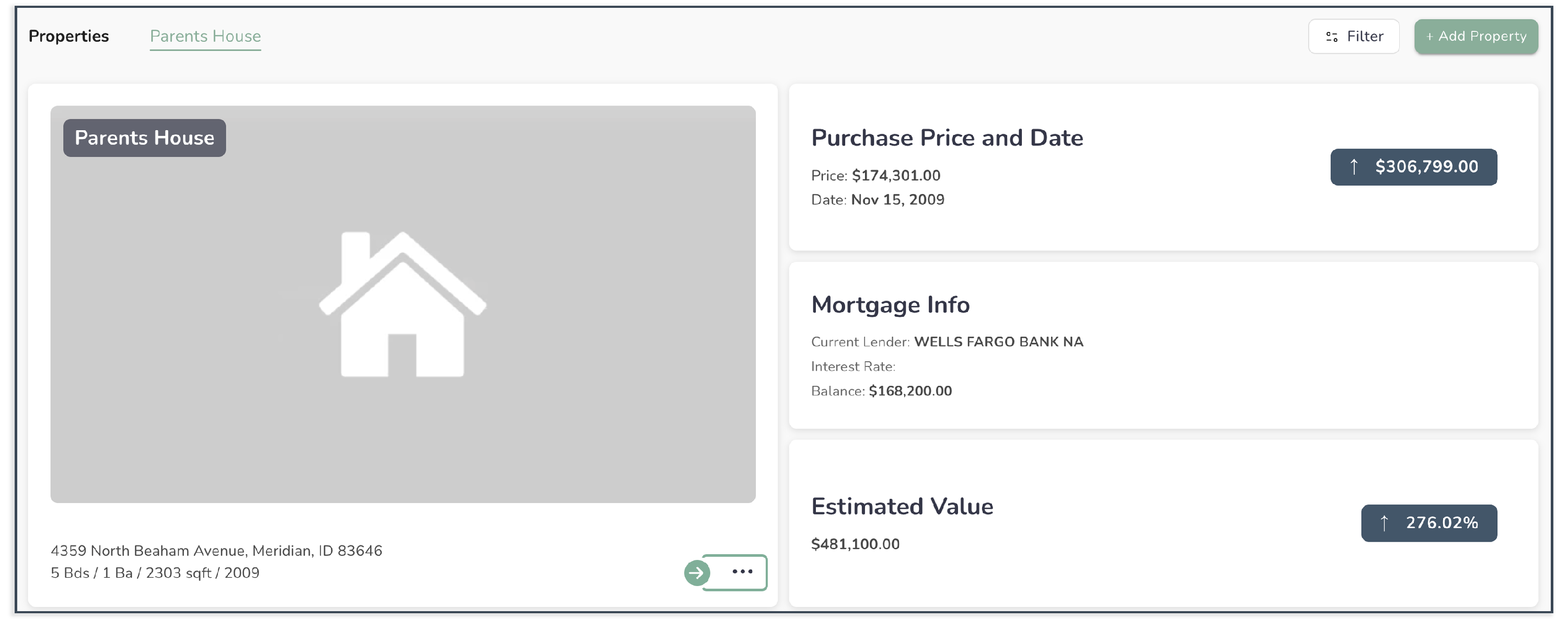
Select the 3-dot menu on Property you want to delete
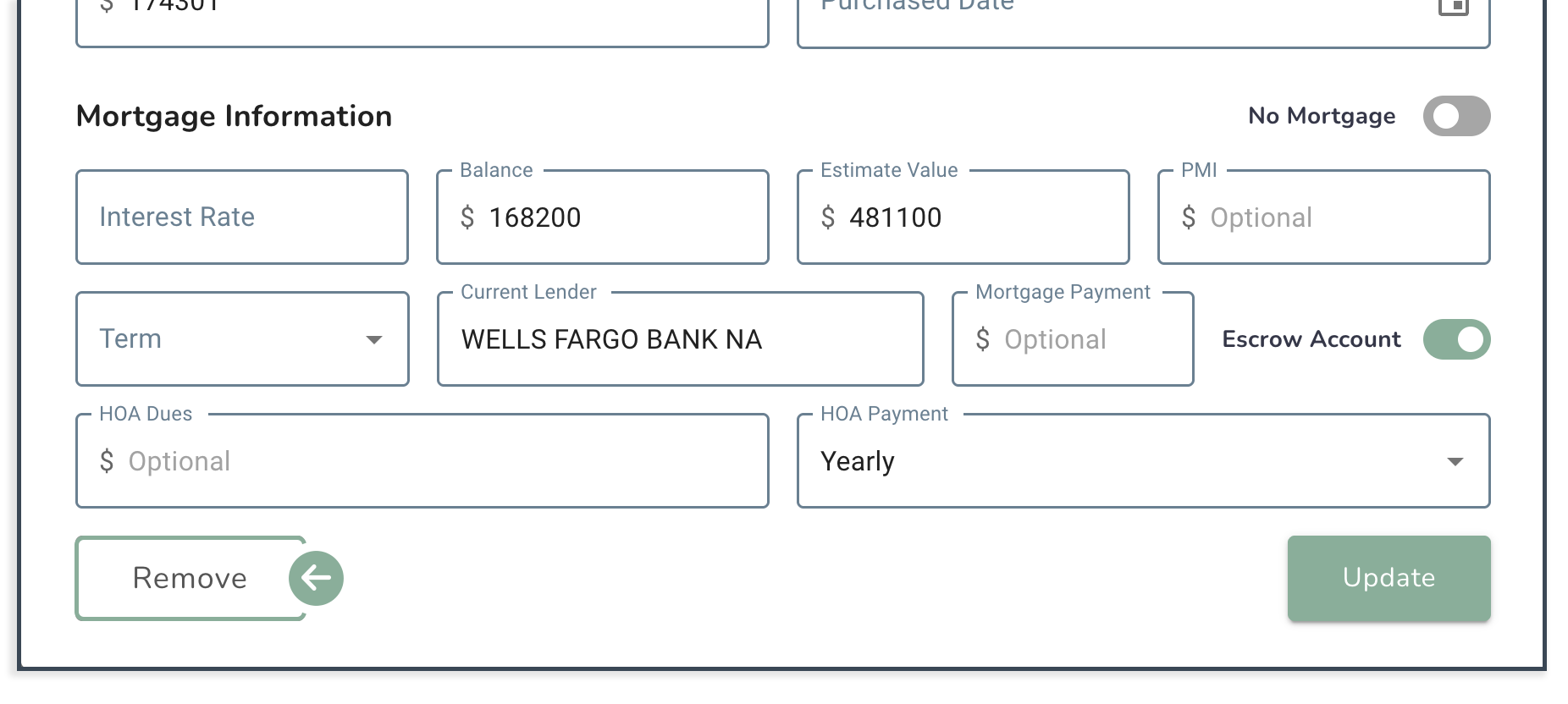
Select Remove
What to Expect
-
The property will be permanently removed
All associated data will be deleted, including:
- Tasks
- Notes
- Property details
- The property will no longer appear in your dashboard
Important Notes
- This action cannot be undone
- Make sure you no longer need the property before deleting it
- Consider transferring ownership instead if someone else still needs access
Common Issues
I don’t see the delete option
You must be a Property Owner to delete a property.
I deleted a property by accident
Deletions are permanent and cannot be recovered.
I just want to stop seeing the property
You may want to remove yourself instead of deleting it.