
How to Upgrade or Downgrade Your Plan
Quick Answer
You can upgrade or downgrade your plan from your account’s billing settings.

Step-by-Step
-
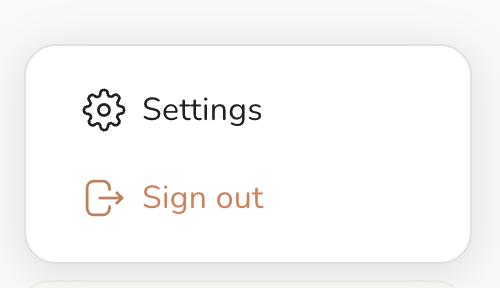
Go to your Account Settings
- Open the Billing or Subscription section
- Click Change Plan (or similar option)
- Select the plan you want
- Confirm your selection
What to Expect
- Upgrading may take effect immediately
- Downgrading may take effect at the end of your billing cycle
- Your billing amount will adjust based on your selected plan
Common Issues
I don’t see the option to change plans
You may not be the account owner.
My plan didn’t change
Refresh your page or check your billing confirmation.
I was charged right away after upgrading
Upgrades often apply immediately and may be prorated.
Helpful Tip
If you’re unsure, you can upgrade first and downgrade later so your plan can be adjusted anytime.
Related Articles
- How to Manage Your Subscription
- Payment Issues & Troubleshooting
- How to Cancel Your Subscription