
How to Edit Property Details
Quick Answer
Open your property, go to the details section, make your changes, and save.
Select the Property you want to edit
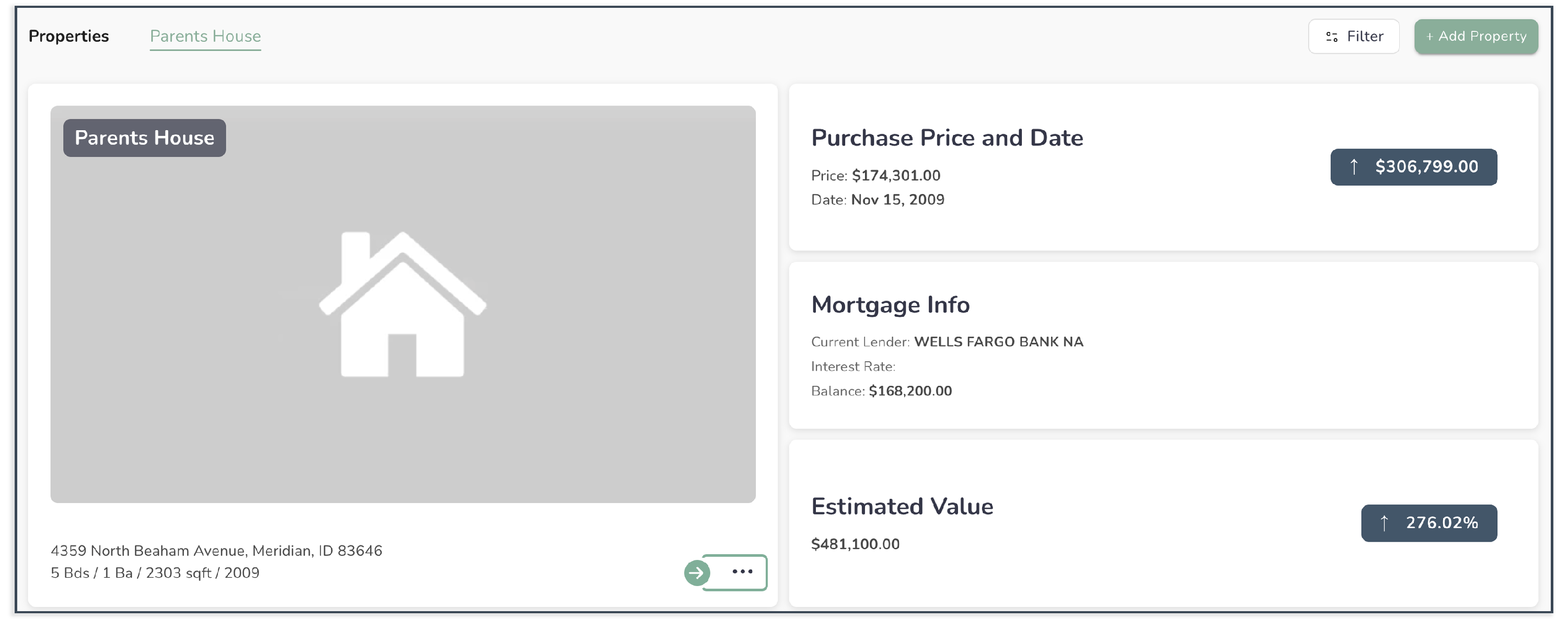
Open the Property Details section
Update the information you want to change
- Address
- Notes
- Property details

Click Update
Common Issues
I can’t edit anything
You may not have Owner permissions.
My changes didn’t save
Make sure you clicked Save before leaving the page.
I don’t see the section I want to edit
Some fields may not be available depending on your setup or role.